🔒 Privacy Policy
Last updated: March 2026
Overview
MantraMitra is designed with privacy at its core. The app works entirely on your device — no account, no server, no tracking.
Data We Collect
MantraMitra collects no personal information whatsoever. Specifically:
- No name, email, or contact details
- No device identifiers or advertising IDs
- No location data
- No usage analytics or crash reports sent to any server
- No third-party SDKs or analytics frameworks
Data Stored on Your Device
MantraMitra stores the following data locally on your device only, using Apple's standard storage mechanisms:
- Meditation sessions — date, duration, and bead count, stored via SwiftData in your app's private sandbox
- Settings — your preferred bead count and bead style, stored in UserDefaults
This data never leaves your device and is not accessible to any third party. It is removed when you delete the app.
iCloud Backup
Your session history may be included in your standard iCloud or iTunes device backup if you have backups enabled. This is controlled entirely by your iOS backup settings and Apple's privacy policy — MantraMitra does not initiate any iCloud sync independently.
Third-Party Services
MantraMitra contains no third-party SDKs, advertising networks, analytics services, or social media integrations.
Children's Privacy
MantraMitra does not collect any data from users of any age.
Changes to This Policy
If this policy changes, the updated version will be published at this URL. Since no data is collected, any future changes are likely to be minor clarifications only.
Contact
Questions about privacy? Reach out at okalentiev@gmail.com
💬 Support
Having trouble with MantraMitra, or have a suggestion? I'd love to hear from you.
📧 Email support
Common Questions
How do I count a mantra?
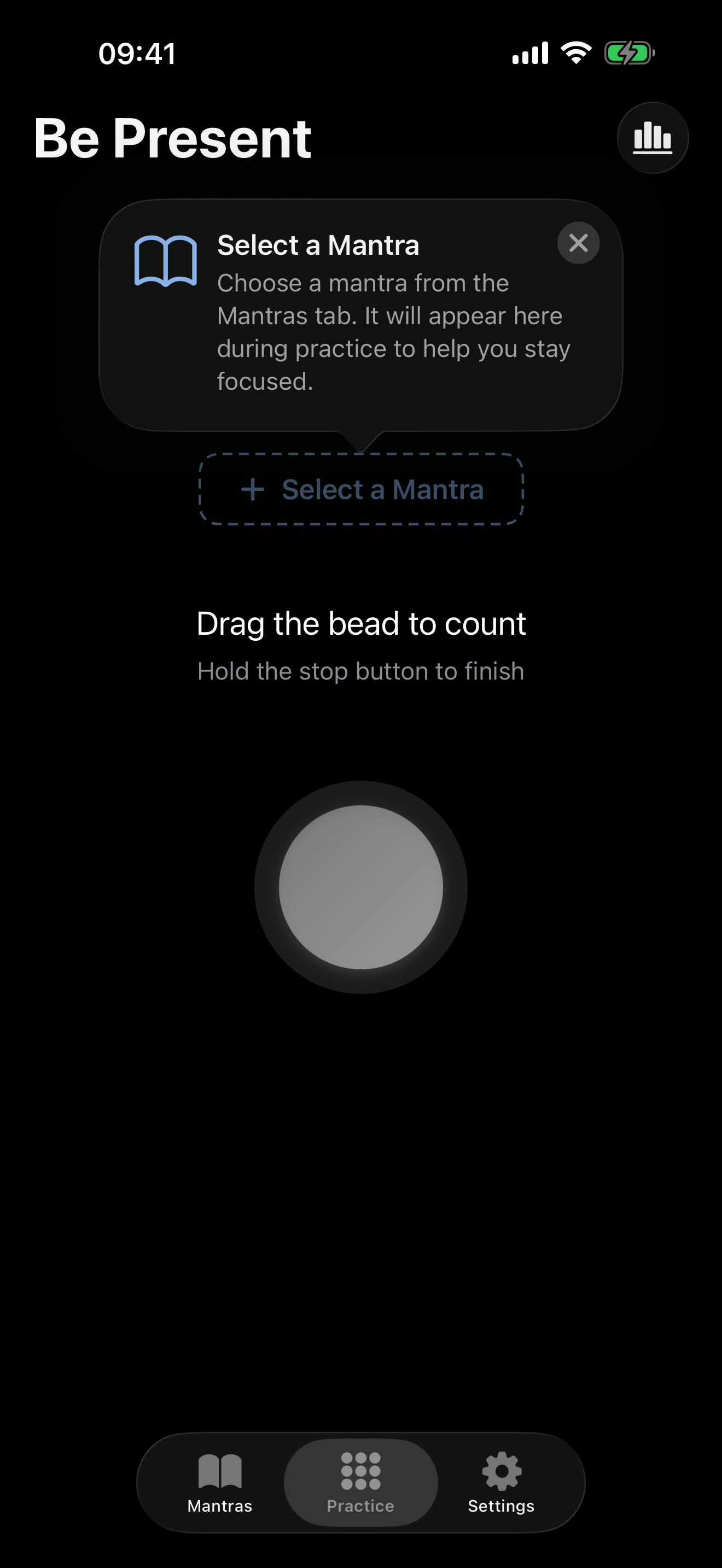
On the Practice screen, drag the bead upward (or in the direction shown) to count one repetition. You'll feel a haptic pulse confirming each count.
How do I end a session?
Press and hold the stop button until it confirms. The hold-to-confirm design prevents accidental session endings.
Can I change the bead count?
Yes — open the Settings tab and choose from 27, 54, 108, or 216 beads to match your mala.
Where is my session history?
Tap the History tab (chart icon) on the Practice screen to review all past sessions with duration, bead count, and date.
Will my data be lost if I delete the app?
Yes — all session data is stored locally on your device. If you delete the app, the data is removed unless you have an iCloud or iTunes backup.